
Udise Plus School Login: Step by Step Guide
Managing education data is evolving rapidly, and if you’re part of a school in India whether as a teacher, principal, or admin staff UDISE Plus is likely a familiar term. Logging in, updating records, and navigating modules can feel overwhelming at first. This guide simplifies the Udise Plus school login process, shares troubleshooting tips, security advice, and practical ways to use the platform effectively.
UDISE Plus School Login, or Unified District Information System for Education Plus, is the government’s upgraded, user-friendly platform for managing education data across India. It gathers details on student enrollment, teacher profiles, school facilities (like classrooms, labs, and sanitation), academic performance, and more. This information fuels planning, tracks progress under policies like NEP-2020, and ensures resources like funding reach the right places.
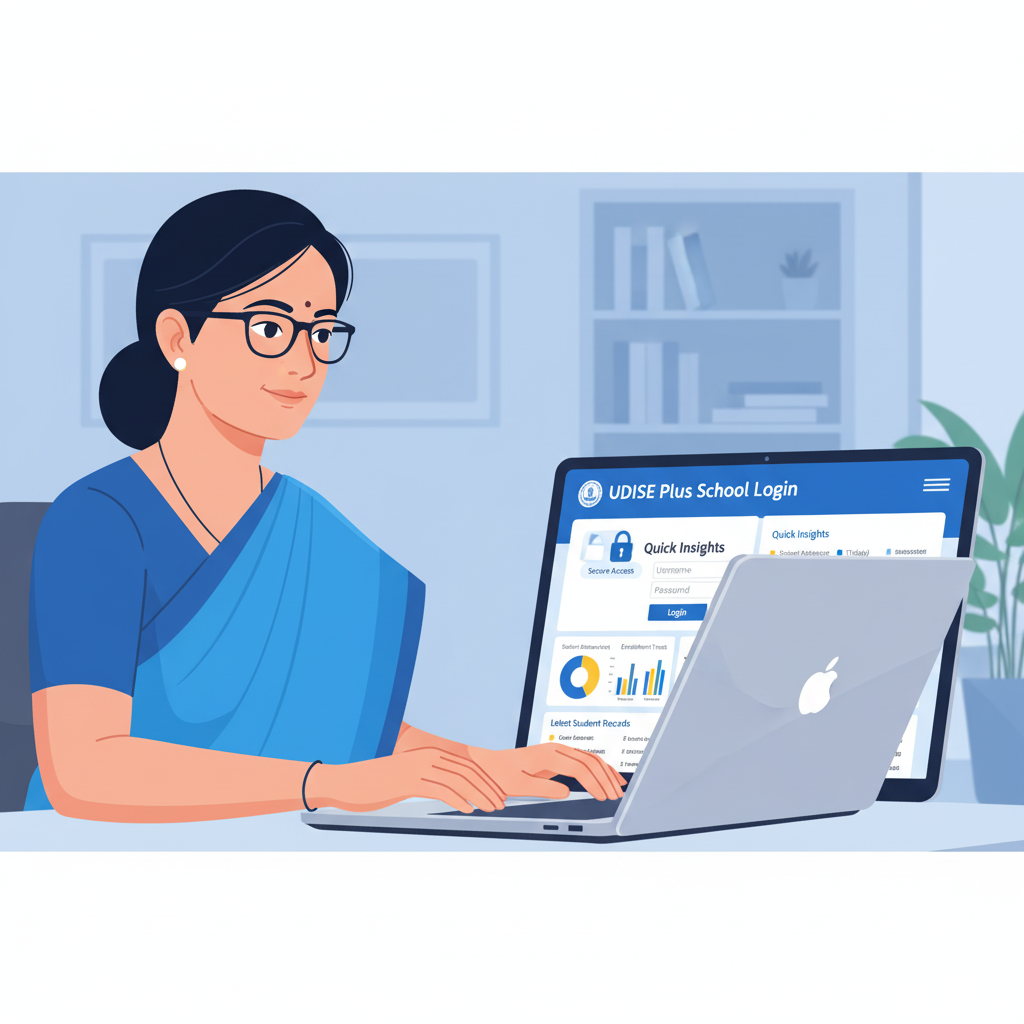
Why School Login Matters
The school login is the heart of it all. It’s how Udise Plus school login sign in to update their own data think infrastructure details, teacher qualifications, or student records. Getting this right is crucial. Messy logins or incomplete data can delay funding, disrupt policy rollouts, or skew the bigger picture of education. Mastering the login process directly impacts your school’s outcomes.
School Profile / Infrastructure & Facilities
Update info about your school’s buildings, labs, toilets, water supply, electricity, or computers. Accurate facility data ensures proper resource allocation.
Student Module (SDMS)
Add new students, update enrollment, track transfers or dropouts, and log facilities like midday meals, textbooks, or uniforms. Sections include General Profile (GP), Enrollment Profile (EP), and Student Facilities (SF).
Teacher Module
Record details about teachers’ qualifications, training, service history, or transfers. Helps districts maintain accurate pupil-teacher ratios and staffing records.
Report Module
Create reports for your school, district, or state, export them as Excel or PDF, check data submission status, or compare past years. Enables evidence based planning and monitoring.
User Management / Directory Module
Handle usernames, passwords, role assignments, or contact detail updates. Ensures that the right personnel have access to the right sections of the portal, avoiding permission issues.
Security, Data Quality & Best Practices in Udise Plus
Security Best Practices & Data Quality Tips
Udise Plus handles sensitive information, so protecting student and staff data is non-negotiable. Use strong, unique passwords for each module, and avoid reusing them elsewhere.
Keep contact details (like registered email or phone numbers) up to date for security alerts or password resets. Regularly review who updated what and when; modification dates help spot accidental changes.
Back up data offline (Excel files or printed records) in case the portal is down. Cross check critical fields like gender, birth dates, or UDISE codes to prevent cascading errors. Stay informed about official updates, like maintenance schedules or downtime.
How Udise Plus Differs from Older Udise Plus school login & Other Portals
Udise Plus offers modern features like real time dashboards, built-in data checks, and bulk uploads. Older systems relied on manual entries or less frequent updates, whereas Udise Plus school login makes data cycles faster and more accurate.
Integration with the Student Database Management System (SDMS) allows detailed student tracking (general, enrollment, facilities profiles). There’s a bigger focus on transparency, letting schools and districts view reports and trends. Role-based access ensures teachers, school staff, and district users only see what they need.
State vs National Login: Things to Know
While Udise Plus is a national portal, states may add their own instructions, fields, or helpdesks. Selecting your state filters modules to your region’s rules, which can affect data validation or module access.
Credentials usually come from state or district officials, so delays often tie back to local processes. Report formats or module access may differ slightly across states, but the core login mechanism remains consistent.
Best Practices for Efficient Data Entry & Accurate Records
Collect all documents beforehand, like student lists, teacher certificates, and facility records. Use provided templates for bulk uploads to save time and minimize errors. Start updates early in the academic year to avoid rushed mistakes.
Have multiple team members review data entries to catch oversights. Compare past years’ reports to spot trends or gaps. Train staff on nuances, such as correctly marking dropouts or promotions, to avoid systemic errors.
Hidden Features or Less Known Tools
Udise Plus school login includes bulk uploads, report exports (Excel or PDF), historical data comparisons, and the Know Your School public portal for basic school info. Parts of the system are mobile compatible, allowing quick checks or updates in schools with limited desktop access.
Recent Updates & Teacher Login Tips (2024-25)
Recent Updates & What’s New in 2024-25
Staying current is key, as login processes or modules can shift. The Student Module (SDMS) now has improved error-checking and stricter rules for incomplete or inconsistent data.
States are pushing for earlier submission deadlines, so login windows for editing may be tighter. New fields may reflect updated schemes, such as digital learning tools or student safety measures.
Efforts are underway to improve site reliability, server capacity, and user support across many states, ensuring smoother usage for schools and staff.
Detailed Walkthrough: Logging in as Teacher or Staff
Teachers or staff members (not the principal) have a slightly different login experience. Credentials are assigned by your school or district MIS office. Some teacher modules use separate URLs, though most are accessed via “All Modules.”
After login, view your profile, including qualifications, service history, training, or transfer details. Updating your profile may involve uploading digital certificates or marking professional development activities.
In some states, teachers can request corrections for data errors (like name or qualification) via a “correction request” option. Check system notifications or alerts for pending verifications or expiring credentials.
How to Reset / Recover Udise Plus school login Credentials
Lost access or password issues are common. Contact your Block MIS Coordinator or District Education Office, as they typically manage credentials. Some states offer a “Forgot Password” link, but manual resets are often more reliable.
Ensure your registered phone number or email is active for reset notifications. After resetting, choose a strong, memorable password, avoiding predictable choices like the school name or year. Store credentials securely, either physically or in an encrypted digital file.
Optimization Tips: Speed, Accuracy, and Less Rework
Use a stable internet connection lag or disconnects can corrupt uploads or crash forms. Stick to modern, updated browsers to avoid compatibility issues with scripts or captchas.
Scan and format documents correctly (JPEG/PNG size limits) before uploading. Complete mandatory fields first; optional ones can wait, but don’t skip entirely to avoid errors.
Save your work frequently during large data entries to prevent data loss if the session times out or the portal refreshes unexpectedly.
Measuring Impact & Best Practices with UDISE Plus School Login
Measuring Impact: What Schools Gain
- Accurate data boosts funding, infrastructure grants, or additional teachers.
- Comparison with other schools highlights strengths and areas to improve, like student-teacher ratios.
- Clear records reduce surprises during inspections or audits.
- Publicly available school profile data builds community trust and parent confidence.
- Administrators can plan better, using data to budget for facilities or justify needs.
- Historical data strengthens proposals for improvements or grants.
What Competitors / Other Guides Emphasize
- State-specific differences: check your state’s guidelines.
- Strict deadlines: late submissions may lock you out.
- Document accuracy: proofread scans, date formats, and names.
- Consistency across years: avoid unexplained discrepancies.
Ensuring Compliance
- Understand state-specific data requirements, like gender or disability info.
- Keep up with national policies (NEP-2020, Samagra Shiksha) that add fields.
- Ensure infrastructure data matches reality over or under-reporting triggers flags.
- Maintain accurate teacher records, as these are audited often.
- Prepare for ground-truth checks by officials comparing data to actual conditions.
Examples: Successful UDISE Plus Use
Case A: Remote Rural School
Scheduled early morning data entry, used bulk Excel uploads, compressed scans, submitted two weeks early, avoided last-minute errors, and fixed discrepancies before audits.
Case B: Urban School with Growing Infrastructure
Updated infrastructure module with photos, measurements, and power backup details. By comparing past years’ data, they secured a grant for additional science teachers.
What’s Coming Next & FAQs
Trends & Predictions for Udise Plus
- More mobile-friendly interfaces or dedicated apps, especially for rural schools.
- Stricter submission deadlines, potentially tied to funding eligibility.
- Enhanced dashboards with predictive analytics, like forecasting dropouts or infrastructure needs.
- Integration with other systems (health, scholarships, digital learning) for a fuller student profile.
- Expanded public dashboards showing school performance or gaps for greater transparency.
Frequently Asked Questions
Summary & Tips for First-Time Users
Gather all documents (student lists, teacher credentials, facility details). Know your UDISE code, password, and state guidelines. Use a stable browser and internet connection. Save frequently during data entry. Leverage bulk uploads for efficiency. Verify and certify data, then export reports as needed. Store credentials securely and back them up. By mastering the Udise Plus school login and data process, you’re not just ticking boxes you’re helping your school thrive and shaping better education outcomes.